Intro
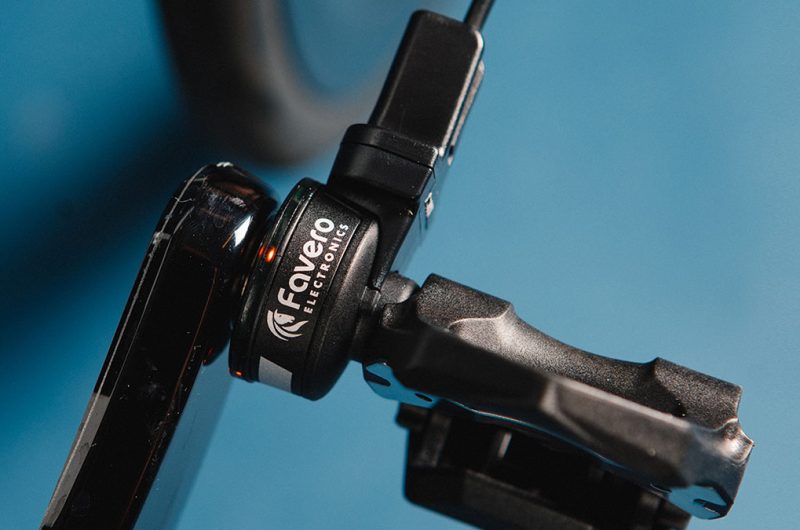
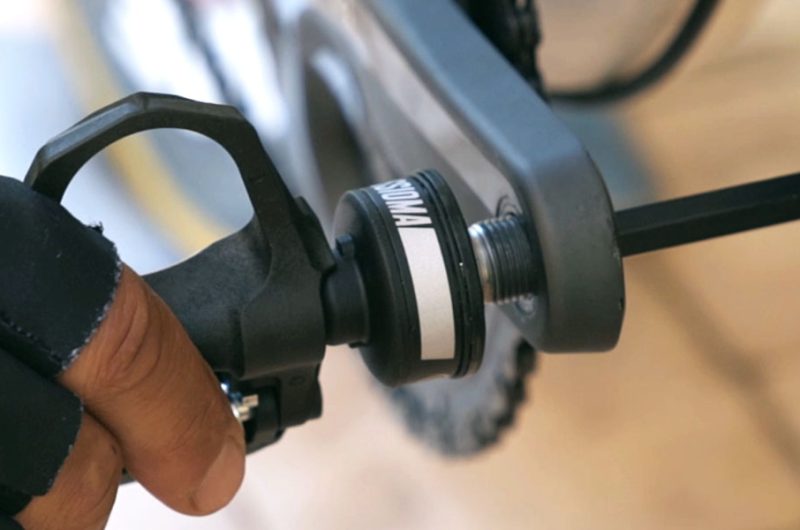
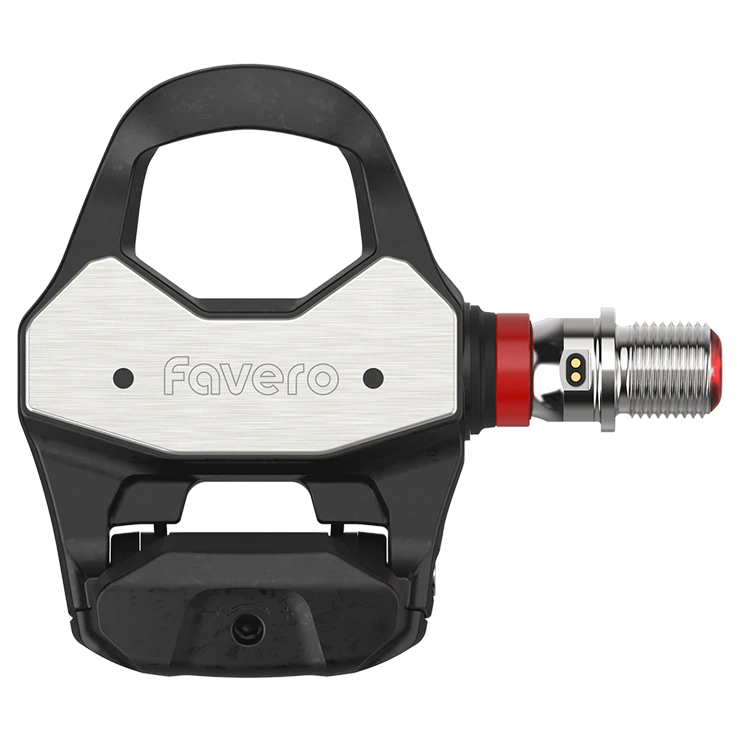
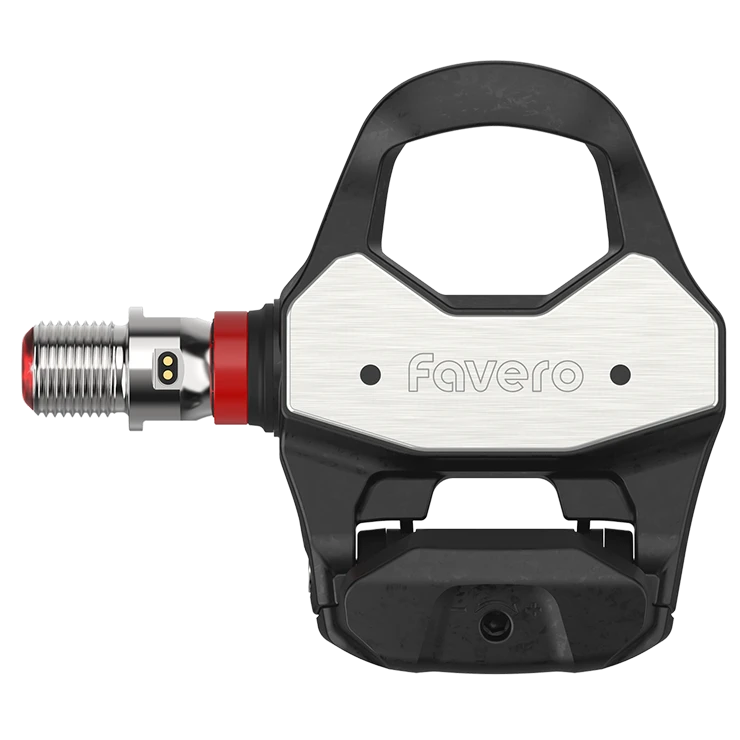
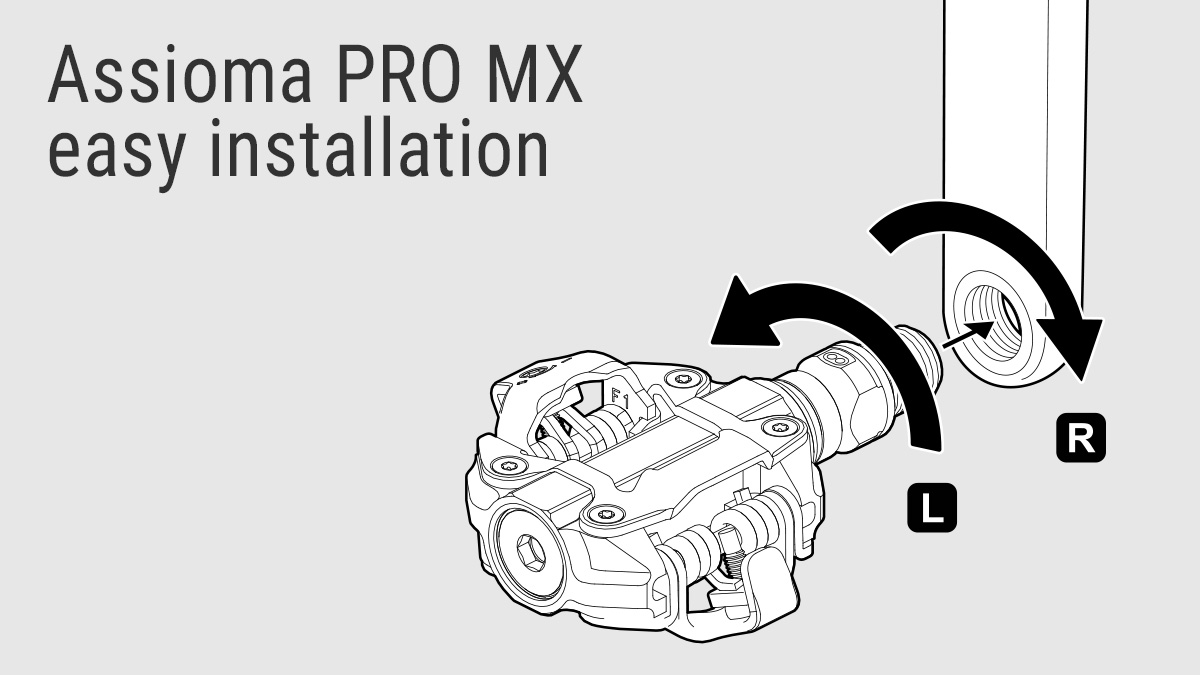
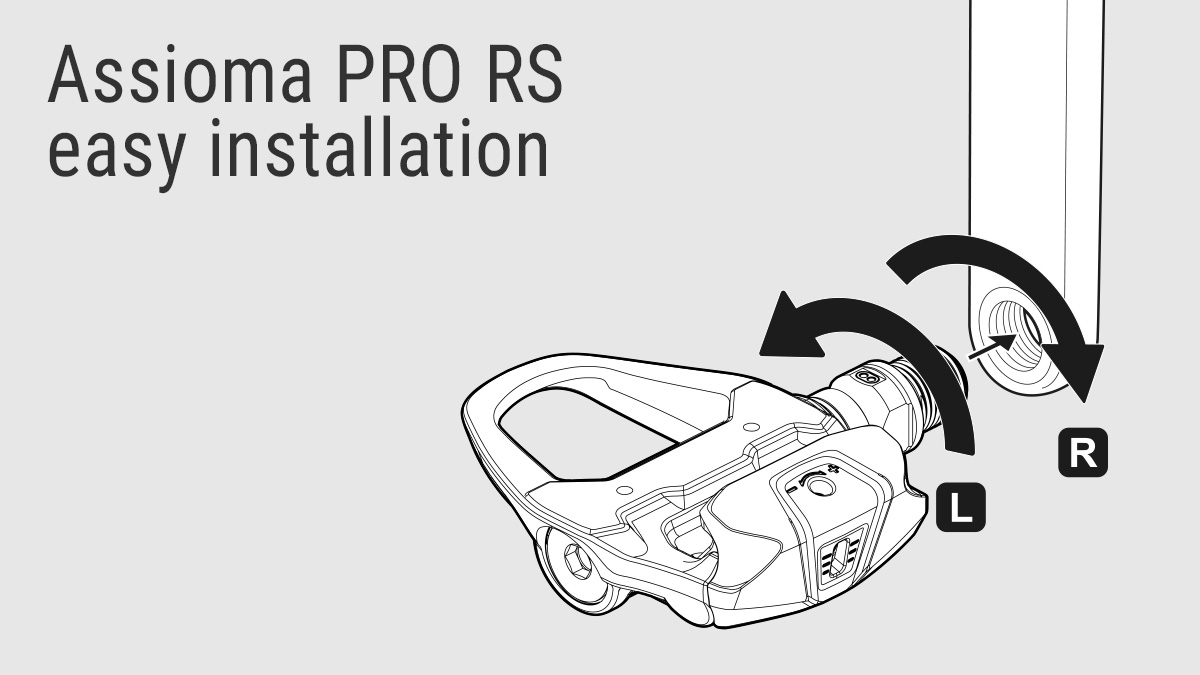
You can install your Assioma PRO pedals just like any standard pedals—quickly and easily, entirely on your own. There’s no need for a mechanic, no modifications to the drivetrain, no wheel adjustments, and no external sensors to mount.
Swap the Assioma PRO power meter pedals from one bike to another as many times as you want using a simple wrench.
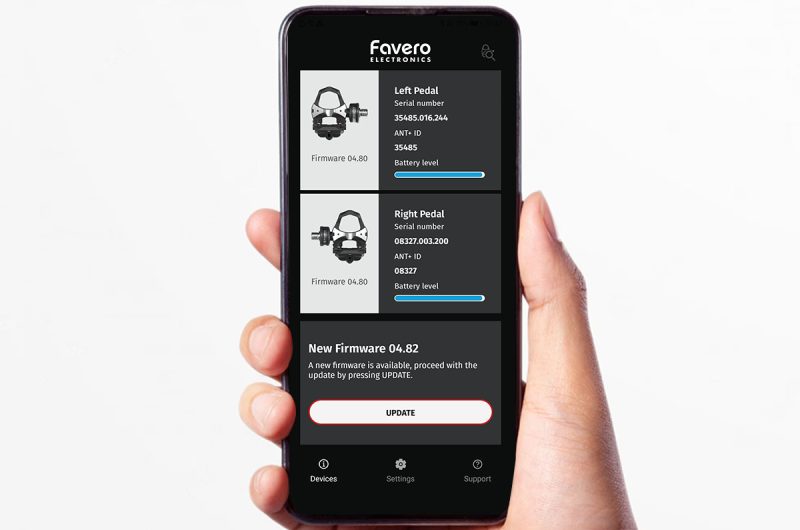
And after having tightened the pedal well, perform a quick manual calibration through the Favero Assioma app followed by a few dozen pedal strokes on a flat surface to allow the internal self-calibration of the product, and you are ready to go!
We have prepared a convenient and simple guide for you on the app for the first installation and use of the product.
The automatic calibration functionality
With the auto-calibration feature, you don’t need to manually calibrate your pedals at every ride. Consequently, it will be easier and faster for you to start pedaling!
Please, bear in mind that it is necessary to carry out a manual calibration on first installation and whenever you move your Assioma PRO pedals from one bike to another.
Wide compatibility with your devices
Being equipped with both the ANT+ and Bluetooth data transmission channels, the Assioma PRO pedals are compatible with the great majority of the bike computers and apps on the market, including Zwift, Strava, Bkool, The Sufferfest, Rouvy and the list doesn’t stop here.
In particular, the Bluetooth transmission allows you to connect Assioma PRO with up to three Bluetooth devices at a time.
For more information, please read the FAQ section of our website.